One focused, native window that inspects the file honestly, and only offers a fix when there's a safe one, without ever sending your file to the cloud.
🩻
The file-size X-ray
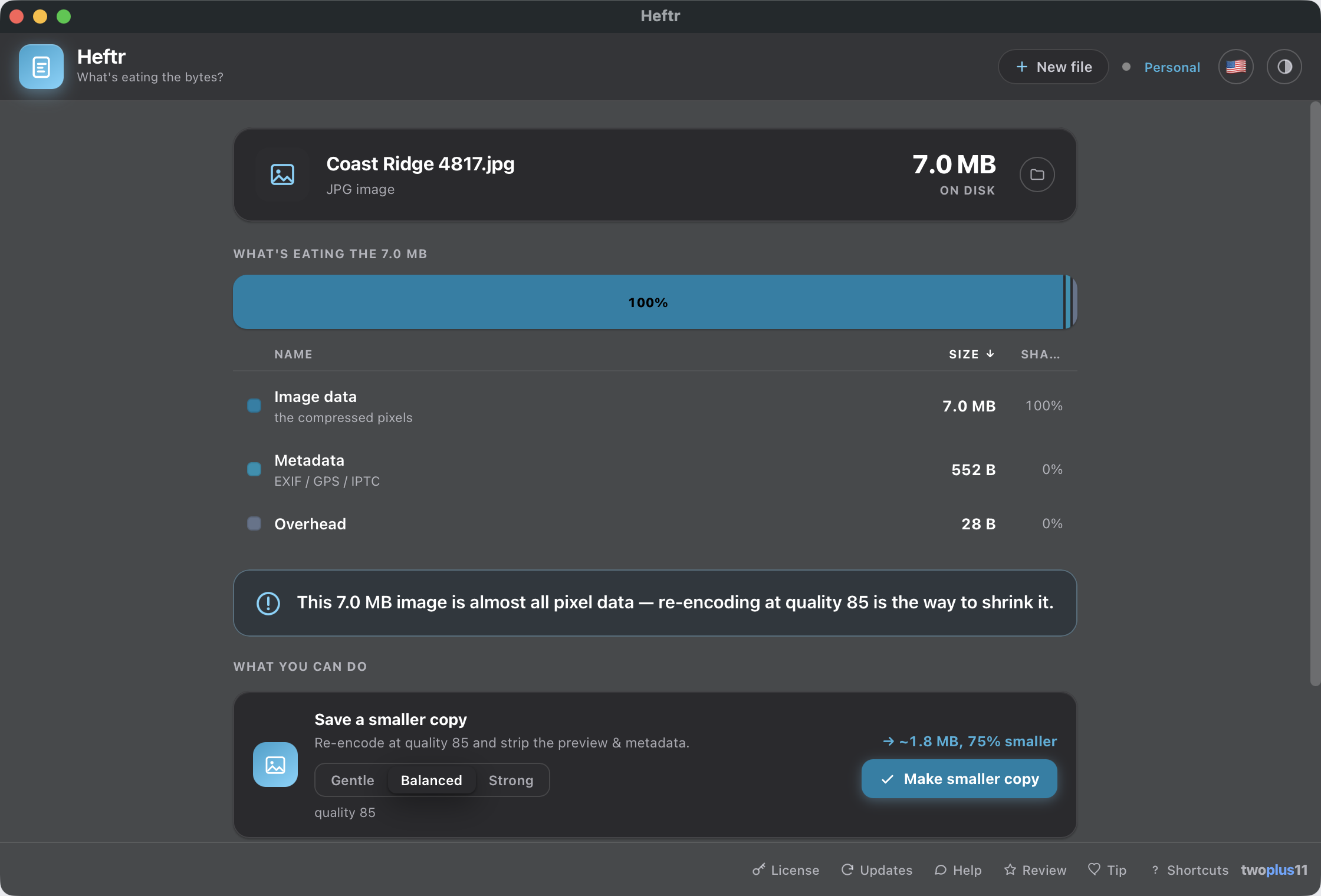
A genuinely beautiful segmented breakdown bar with a matching ranked list and live cross-highlighting: images, fonts, content, media, overhead. Every breakdown reconciles to the real size on disk, so the segments always add up to what Finder shows you.
Reconciles exactly
🔬
The biggest things inside
The breakdown says which kind of thing is eating the bytes. This says which one: a ZIP's members by their full path inside the archive, a PDF's individual images with their dimensions and codec, its embedded fonts by name, and whether each font was subset to the characters used or carried whole. Every column sorts, either way, from the keyboard.
Sortable columns
🗜️
Shrink Office & ZIP files
For docx, xlsx, pptx, zip and epub, Heftr buckets every member by size, names the single biggest one, and re-encodes the oversized PNG/JPEG media inside into a smaller copy. The document stays perfectly valid.
docx · xlsx · pptx · zip
📄
PDF shrink that keeps text sharp
The most common "why is this PDF huge" case (embedded photos) is one click. Heftr downsamples the raster images via a Quartz filter (150 DPI by default, gentler or harder a click away) while text and vectors stay vector, never rasterized, so the copy is smaller but still crisp and selectable.
Never rasterized
🖼️
See inside a photo
For JPG, PNG, HEIC and TIFF, Heftr gives a byte-exact split of the actual pixel data vs an embedded preview vs the ICC color profile vs metadata, then re-encodes at a strength you pick and strips the preview and metadata into a smaller copy.
Byte-exact
🎯
Get it under X MB
Type a target and Heftr picks the gentlest fix intensity that still fits (for images, PDFs and Office/ZIP media) and shows the projected result before writing. If it can't reach the target safely, it says so and saves the smallest it could. A fit tries one quality step at a time, so it can take minutes on a big file. Press Stop and it writes nothing at all.
Target size
🎚️
Choose how hard to push
Gentle, Balanced or Strong, each printing the settings it actually uses (150 DPI · quality 70) and the projected size before a byte is written. Afterwards Heftr re-X-rays the copy it made and shows the real before → after for every segment, so what you get is measured rather than promised.
Measured, not promised
🗂️
Folder mode: a mini-DaisyDisk
Drop a folder or an .app and get an interactive, fully accessible treemap of what's eating the space, biggest first, with a ranked list and the biggest individual files anywhere in the tree. Click any block to drill in; a breadcrumb walks you back. Biggest files in here is a sortable table (Name, Folder and Size, either direction, from the keyboard), and each row says which subfolder it came from, so eight files called IMG_0431.jpg are eight distinguishable rows.
Interactive treemap
📦
Batch everything

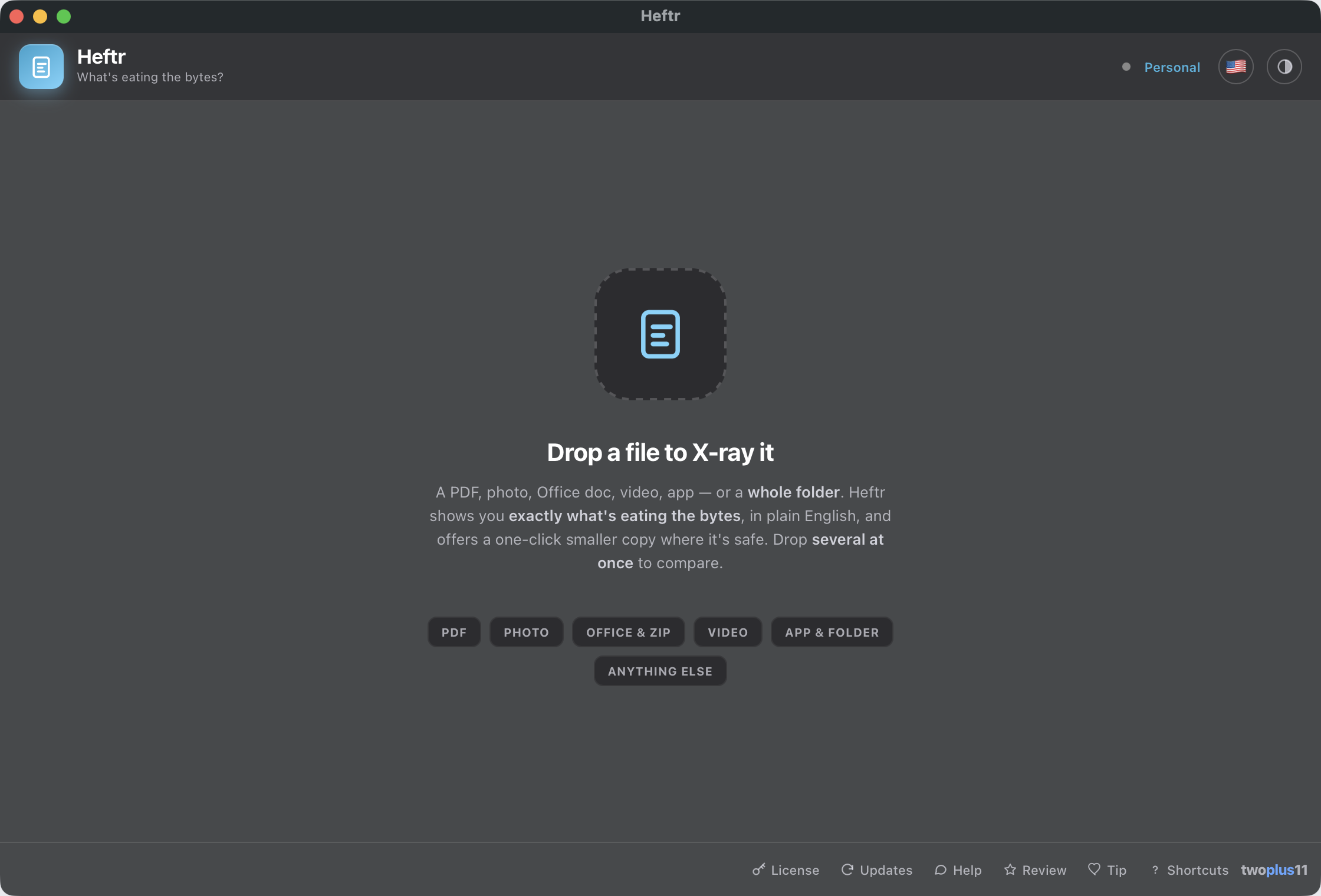
Drop several files at once to rank and compare them, drill into any one, and shrink every item that has a safe fix in a single pass, at the strength you picked, with per-file progress and a real reason for anything that failed. Changed your mind ten files in? The button becomes Stop, and everything already finished is kept.
Stoppable
🎬
Video, diagnosed
For MP4, MOV and M4V, Heftr breaks down the per-track Video vs Audio vs container size with a bitrate verdict, then hands the actual re-encode to Squishr, its sibling built for that. Heftr never touches video pixels itself.
→ Squishr
📋
Copy the report
One click copies a clean, plain-text summary of any breakdown to the clipboard, in the order you sorted it, so the report matches the window you were looking at. Paste it into a ticket, an email, or a note to remember what was hiding in that file.
🛟
Never touches your original
Heftr is non-destructive by design. Every fix writes a new (smaller) or (compressed) copy alongside the original, and existing files are never overwritten.
Originals untouched
🔒
100% on your Mac
Nothing is uploaded, ever. No account, no cloud, no usage analytics. The only times Heftr touches the network are an optional business-license check and the update check (which sends the app version).
Privacy
🍎
Signed & notarized
Opens with a normal double-click: no "unidentified developer" warning, no Open Anyway, no Terminal. Universal for Apple Silicon and Intel, notarized by Apple.
No warnings
♿
Built for everyone
Fully keyboard-driven (the treemap, drill-in, suggestions and all) with VoiceOver labels throughout. The UI meets WCAG 2.1 AA contrast in light and dark and respects Reduce Motion.
WCAG 2.1 AA
🌐
Speaks 13 languages
Heftr auto-detects your Mac's system language on first launch (English, Spanish, French, German, Italian, Dutch, Brazilian Portuguese, Polish, Turkish, Russian, Japanese, Korean or Simplified Chinese), or pick one yourself anytime from the flag picker in the header. Dark and light mode too: follow macOS, or pin either one from inside the app.
13 languages · dark & light